Notepad++是一套非常有特色的自由软件的纯文字编辑器(许可证:GPL),有完整的中文化接口及支援多国语言撰写的功能(UTF8 技术)。它的功能比 Windows 中的 Notepad(记事簿)强大,除了可以用来制作一般的纯文字说明文件,也十分适合当作撰写电脑程序的编辑器。Notepad++ 不仅有语法高亮度显示,也有语法折叠功能,并且支援宏以及扩充基本功能的外挂模组。
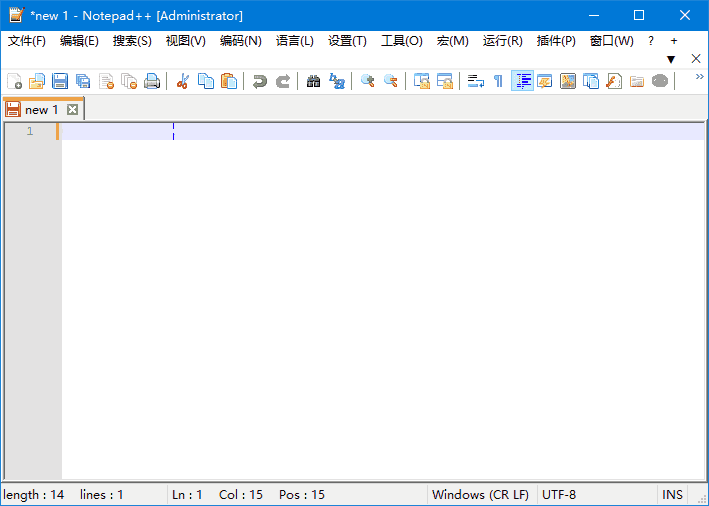
软件特点
① 内置支持多达 27 种语法高亮度显示(囊括各种常见的源代码、脚本,值得一提的是,完美支持 .nfo 文件查看),也支持自定义语言; ② 可自动检测文件类型,根据关键字显示节点,节点可自由折叠/打开,代码显示得非常有层次感!这是此软件最具特色的体现之一; ③ 可打开双窗口,在分窗口中又可打开多个子窗口,允许快捷切换全屏显示模式(f11),支持鼠标滚轮改变文档显示比例,等等; ④ 提供数个特色东东,如 邻行互换位置、宏功能,等等…现在网上有很多文件编辑器,这个却是不可多得的一款,不论是日常使用还是手写编程代码,都能让你体会到它独有的优势和方便。
更新日志
Notepad++ v8.8.9 new security enhancement, features, regression fixes & bug-fixes: Vulnerability-fix: verify certificate & signature on downloaded update installer. (Implement Notepad++ commit, WinGUp commit) Fix corrupted file loading on Windows system using the full UTF-8 code page. (Fix #17234) Fix crashing when hashing SHA-256 for large files. (Fix #17243) Fix “Select & Find Next” command not working regression. (Fix #17200) MSI improvement: Add NOUPDATER option & suppress REBOOT. (Fix #ref1, #ref2) Fix Perl Function List causes Notepad++ to freeze on tab switch regression. (Fix #17152) Fix context menu truncated regression on localization change. (Fix #17249) Add ability to update users’ langs.xml & stylers.xml from model XML files. (Fix #17128) Update to Scintilla 5.5.8 & Lexilla 5.4.6. (Update #17191) Add feature to sort lines in a document by length. (Fix #15615, #17186) Undo & redo enhancement: restore vertical scroll position after undo & redo. (Fix #17194) Fix mouse wheel horizontal scrolling amount not respecting Windows setting. (Fix #9480) Fix document map regression with keyboard input. (Fix #17224) Fix wrong system font scaling on Windows 7. (Fix #17066) Update to nlohman json 3.11.3. (Update #15041)
下载地址
Notepad++(功能强大的代码编辑器) v8.8.9 多语便携版
https://pan.quark.cn/s/64fee1c4484c
https://url96.ctfile.com/d/60968596-157849014-5ce108?p=7788 (访问密码: 7788)
https://pan.xunlei.com/s/VOg5-GblWTQ5HQ5bJvgS5kP6A1?pwd=qw45#